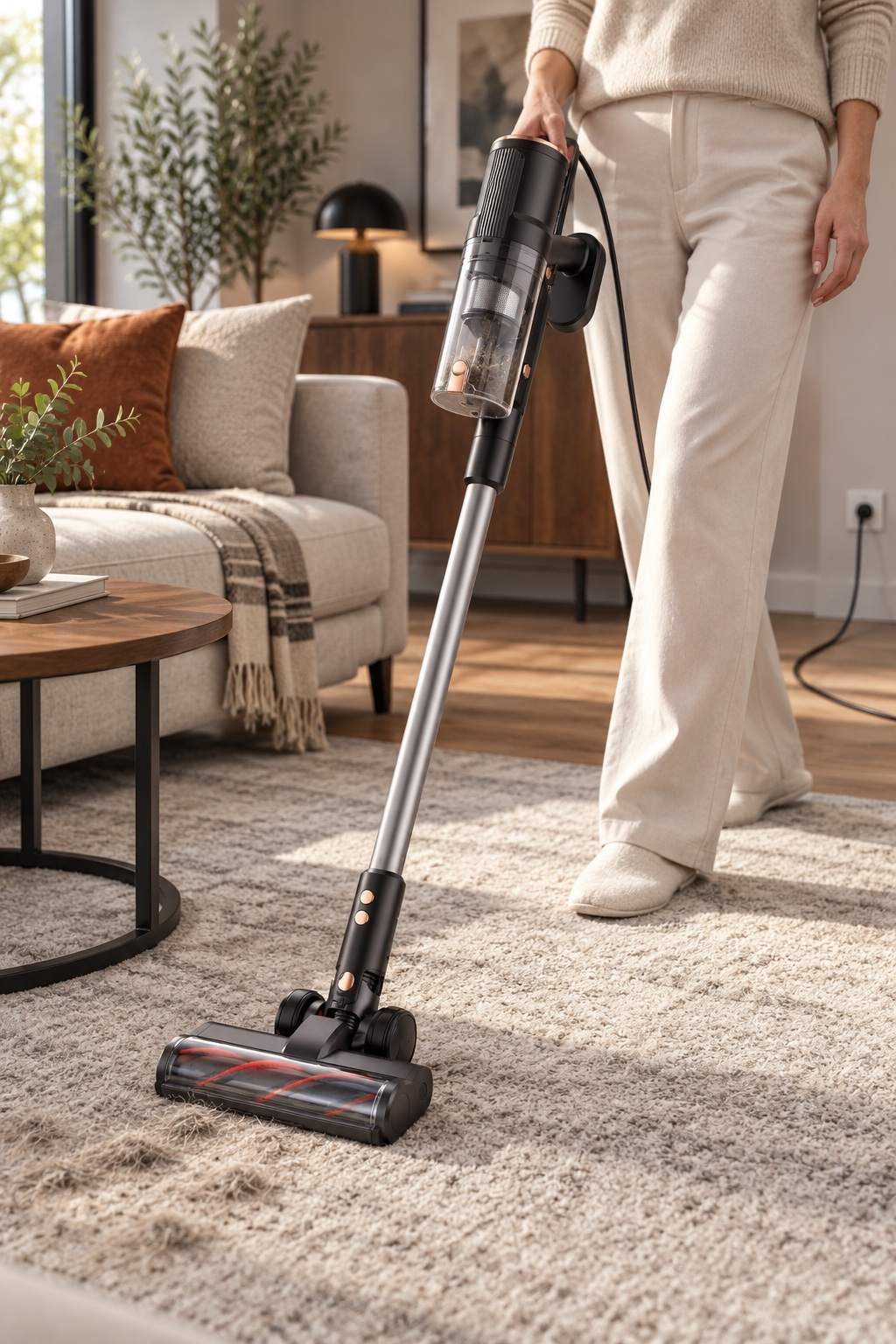

Vacuum Cleaner Brush Not Spinning Safe Checks Before Service
A practical guide for everyday cleaning and informed product choices
A vacuum cleaner brush not spinning can make carpet pickup feel weaker, but the cause may be a jam, an incorrect head connection or a fault that needs service. Do not reach toward a roller while the vacuum is plugged in, and do not keep switching the machine on and off to test it. Unplug first, check the manual and remove only debris that is clearly accessible through the approved cover. If the brush remains stopped, smells hot or makes a grinding noise, stop and contact service. The motorized floor head is a moving electrical assembly, not just a brush to force by hand.
Use the checks below to identify a stopped roller safely: confirm the mode, unplug the machine, inspect only approved access points and record the symptom. Do not keep testing a hot, noisy or damaged floor head.
Confirm the right operating state
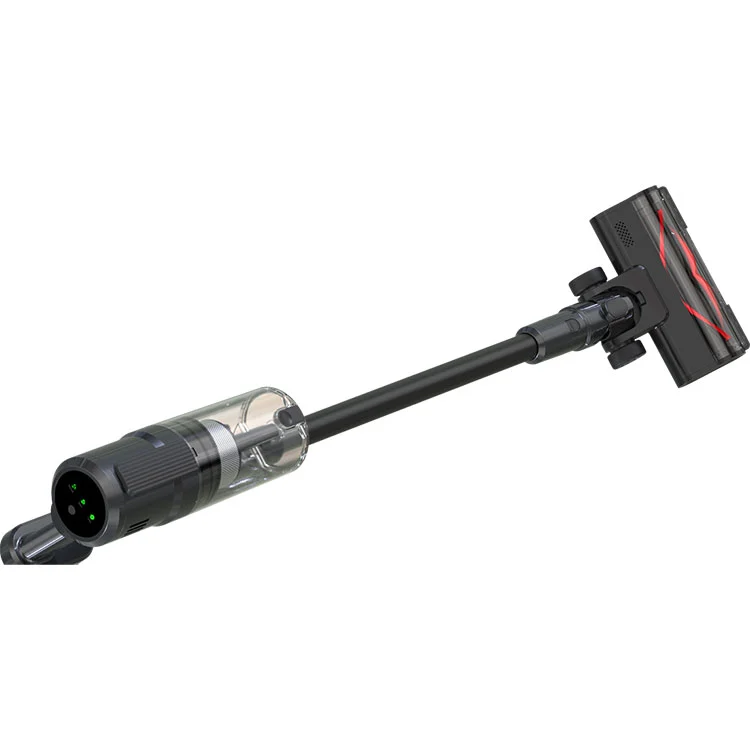
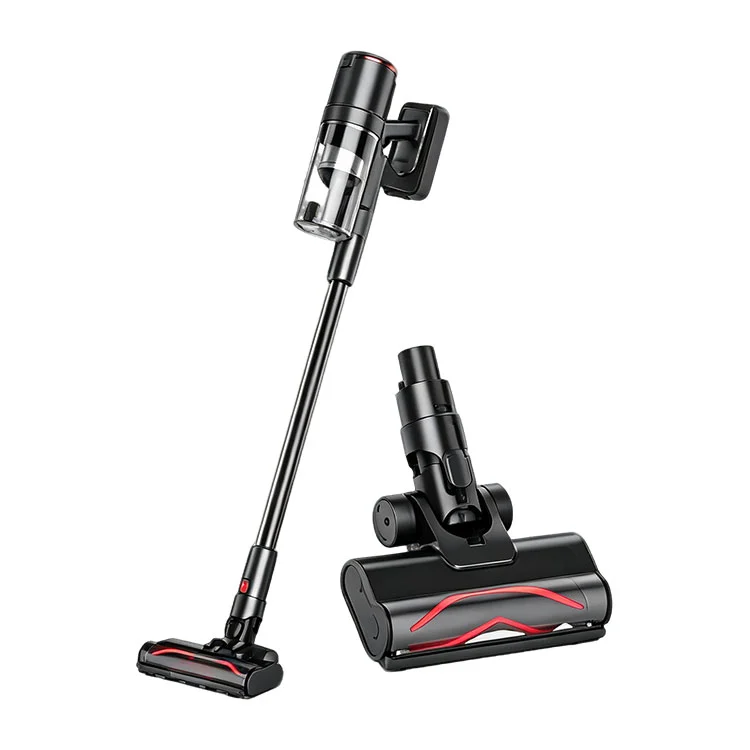
Some floor heads behave differently depending on the selected mode or surface. Check the manual for the correct setting and confirm that the exact model includes a powered roller. A product photograph may show an optional head or another configuration, so compare the model code and manual before diagnosing a fault. If the vacuum has a control that disables the brush, verify its state while the machine is off. Never change a setting by reaching near a moving roller.
Switch off and unplug before inspection
Disconnect the plug from the wall outlet before touching the floor head or removing a cover. Place the machine on a stable, clear surface and let the roller stop completely. Keep children and pets away. If the plug, cord or connector is damaged, do not continue; a damaged electrical part should be assessed by qualified service. A quick safety pause is not an inconvenience—it prevents a powered brush from starting while fingers or tools are near it.
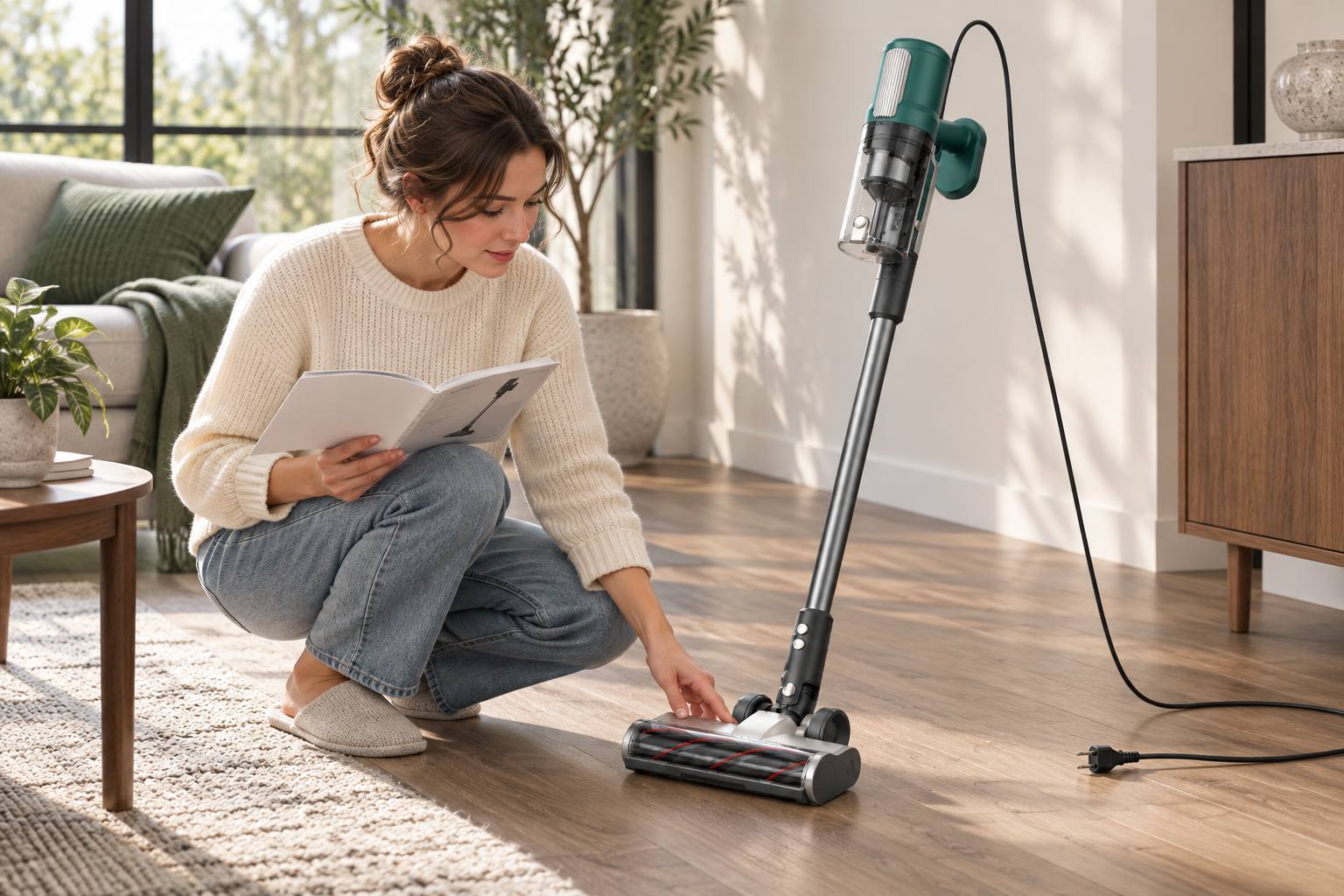
Figure 1 | Disconnect power before checking a stopped roller.
Look for a visible obstruction
Hair, string, carpet fibres or a small object can wrap around the roller or block the intake. Use the access door and cleaning method described for that model. Do not remove a belt, electrical cover or sealed part unless the user manual explicitly authorizes it. If the instructions permit cutting wrapped hair, use only the specified groove and keep the blade away from wiring and soft components. Photograph the obstruction before removing it if the machine is under warranty or the issue is recurring.
Check the head connection only as directed
A powered floor head relies on a proper electrical connection to the main unit. With the vacuum unplugged, inspect the connector for visible dirt, damage or a loose fit. Reseat it only if the manual provides that step; do not bend pins, scrape contacts or add liquid cleaner. Confirm the head is fully engaged and the tube is fitted correctly. If the cable or connector appears scorched, cracked or loose, leave it disconnected and arrange service.
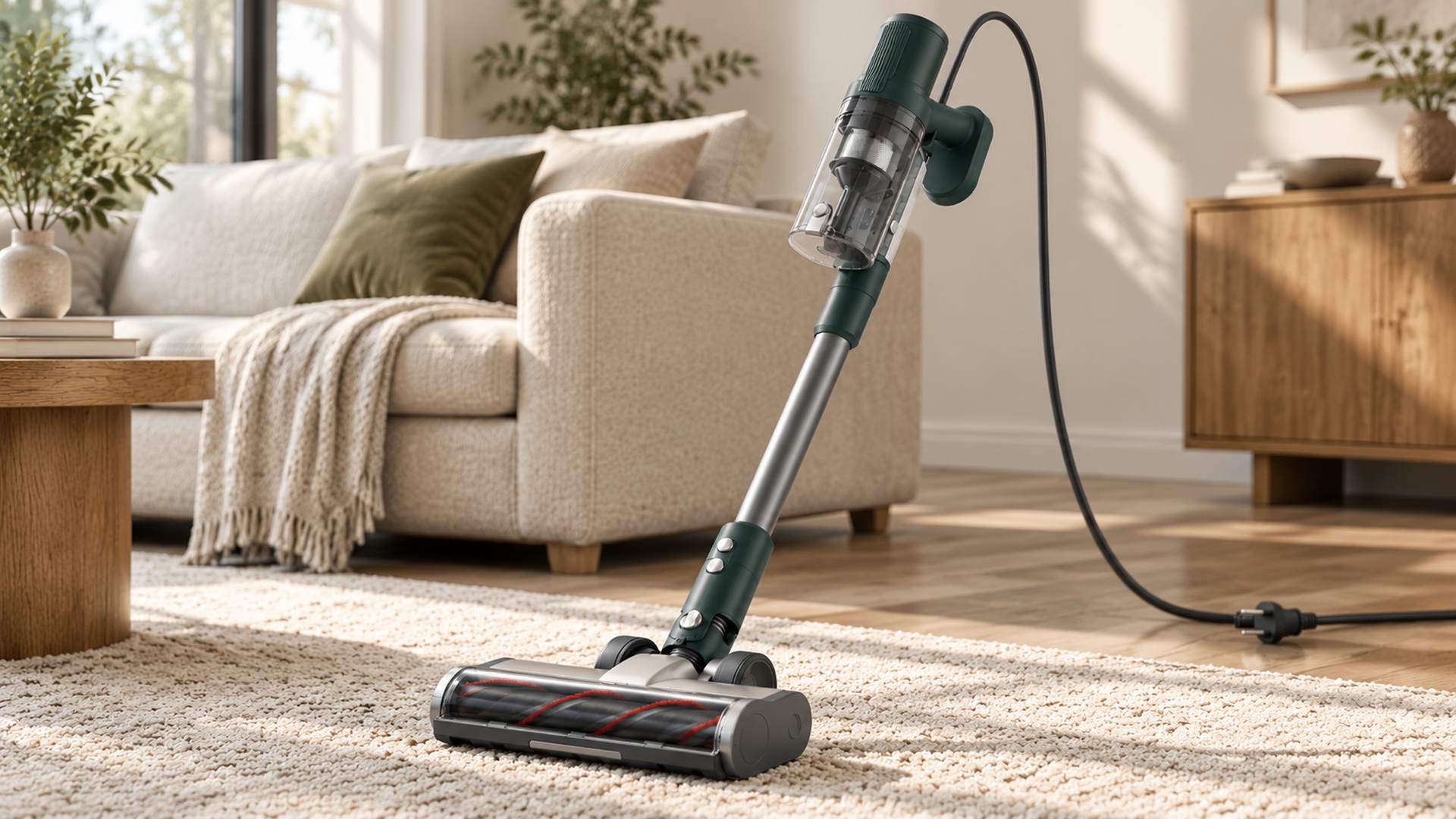
Figure 2 | Inspect only the access points approved for the exact floor head.
Notice when the brush stopped
Did the roller stop after picking up a rug edge, long thread or a toy? Did it slow gradually or quit with a click? Those details can help service staff distinguish a jam from a connection or motor problem. Do not repeat the same test on the carpet if the head smells hot or the machine cuts out. Empty the cup and inspect the inlet only after power is disconnected. A clear symptom timeline is more useful than a guess that the motor is defective.
What buyers should verify in a sample
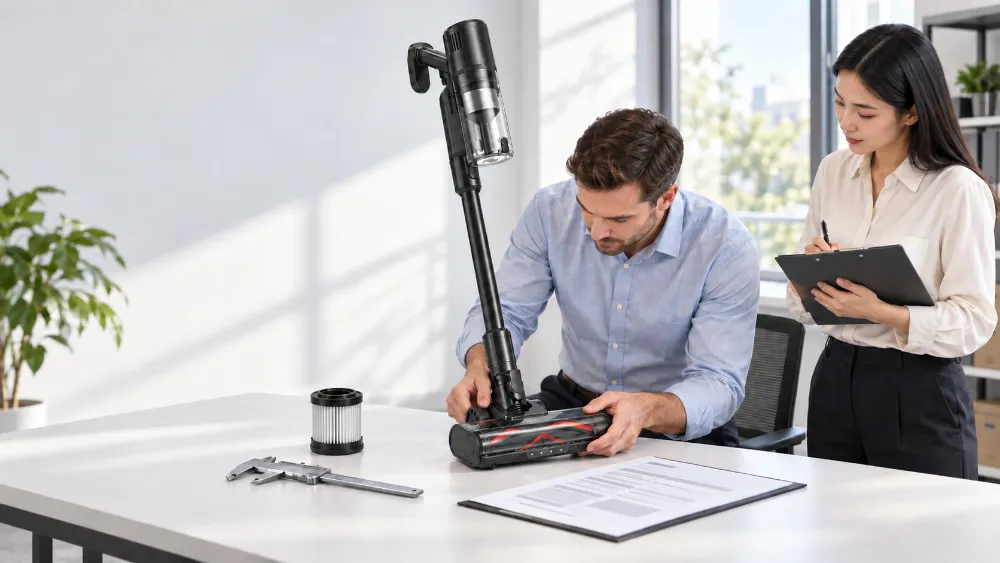
For a vacuum cleaner manufacturer or importer, record the motorized floor-head code, roller, connector, cord and safety instructions on the approved sample. Verify that the brush starts, runs and stops as described across the target floor types. A private label vacuum cleaner package should identify which head version is included and how the user can remove hair. If a supplier changes the head or connector, retest it rather than transferring the previous approval automatically.
Know when the problem needs qualified service
A visible thread around a roller may be removable through an approved access cover, but repeated stoppages can point to a connection or component issue. Do not remove a belt, motor cover or sealed housing unless the user manual specifically directs the owner to do so. Keep the product unplugged while documenting the model code, floor-head version and what happened before the brush stopped. A photo of the obstruction or connector can help support staff understand the case. If the plug, cable, head connector or housing is cracked, hot or discolored, leave it disconnected. The safest next step is not another power cycle; it is the service route provided by the seller or manufacturer. If the problem appears only on one carpet, note its pile, the cleaning route and the brush setting; that context can help distinguish a setup mismatch from a recurring fault.
How the product details fit this question
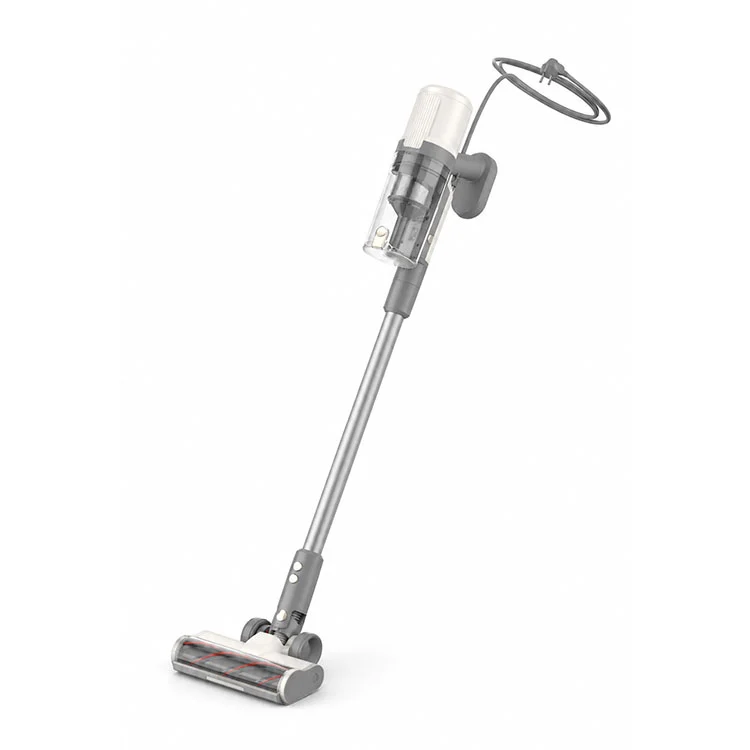
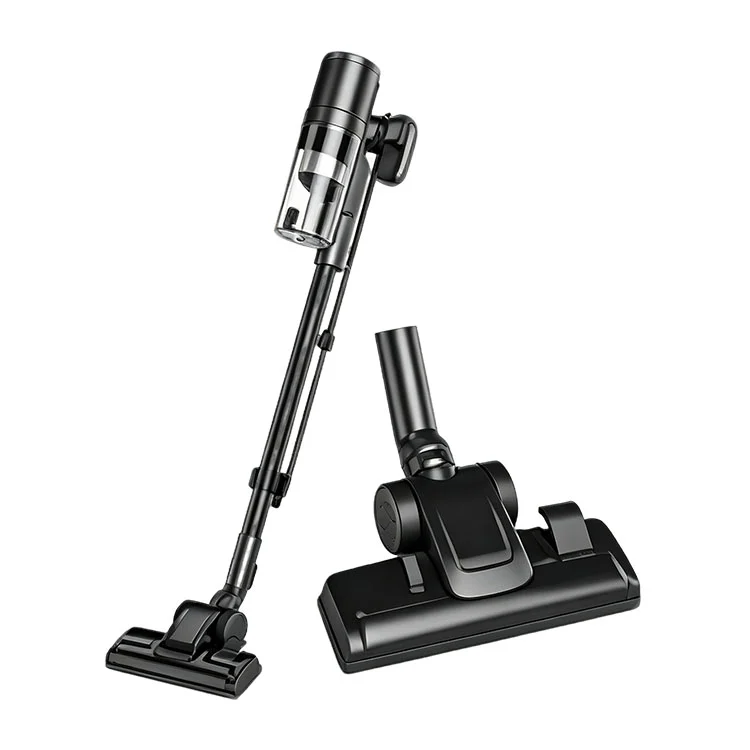
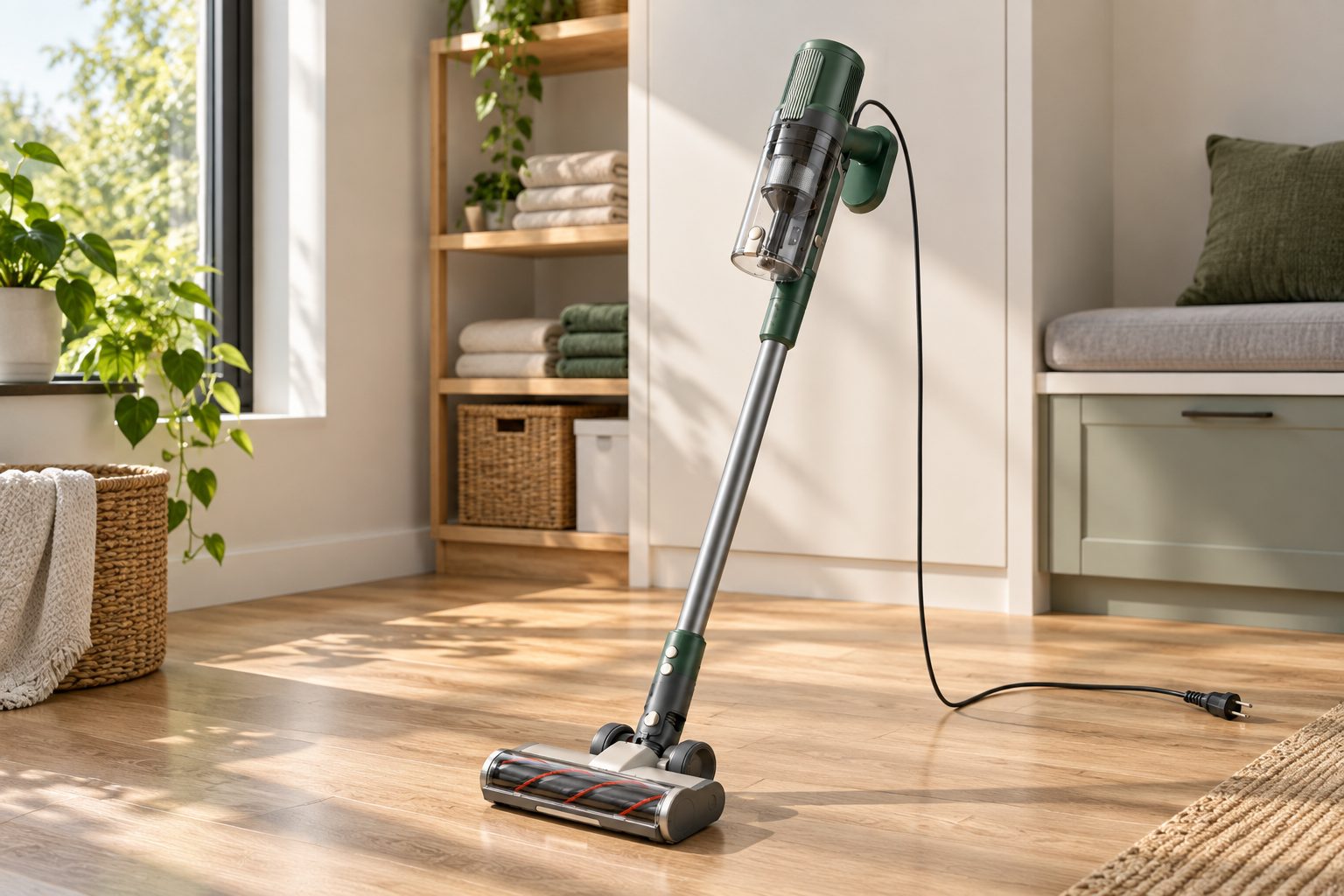
The approved TEH configuration has a motorized roller floor head with its own power connection. That is a configuration fact, not a service instruction. For a stopped brush, use the exact head manual and only its user-approved access points; record the floor-head code and connector version for support. Do not imply that the main vacuum motor or the roller can be opened by the owner.
For importers and OEM buyers
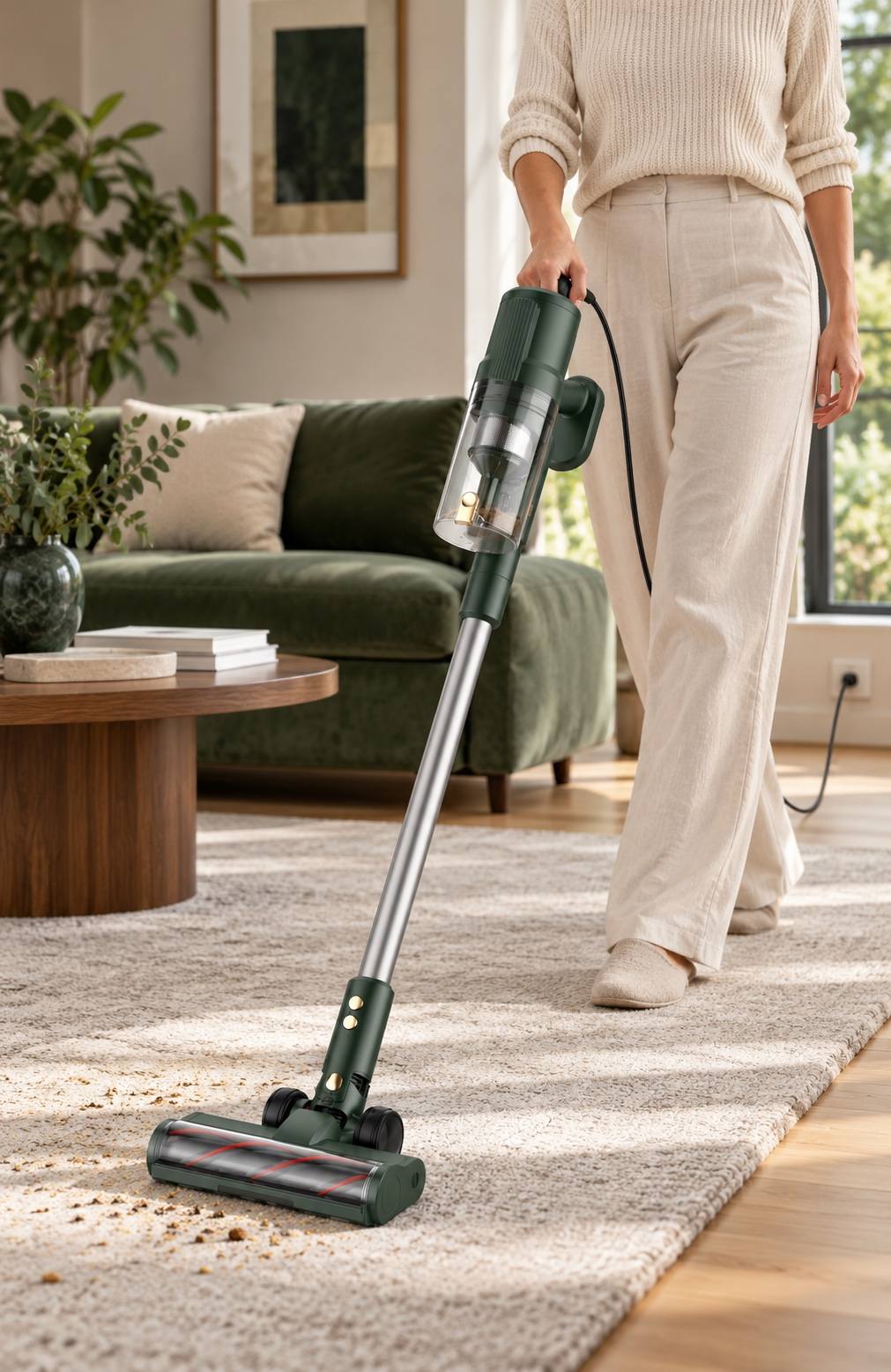
For this topic, the TEH Corded Stick Vacuum Cleaner should be assessed on the approved floor head, filter and electrical version—not on a render alone. The dark jade with silver accents finish in the images is a concept direction only. Match any consumer-facing statement to the relevant test condition and final sample.
For importers, keep the approved sample, quotation, instruction manual, packaging and online copy aligned. Record the floor head, cup, filter grade, cord length, plug, voltage, frequency and any replacement parts relevant to this article. A vacuum cleaner manufacturer or supplier should identify standard options versus custom requests. Do not carry a claim across a configuration change without checking it again.
Frequently Asked Questions
Why is my vacuum cleaner brush not spinning?
Check the selected mode, visible roller obstruction and connector only after unplugging, then follow the manual or seek service.
Can I pull hair from the roller while it is plugged in?
No. Disconnect power first and use only the approved access and cleaning method.
What if the brush stops again after cleaning?
Stop testing and arrange service, especially if there is heat, odour, unusual noise or a damaged connector.
Explore TEH Vacuum Cleaner Options
View the TEH Corded Stick Vacuum Cleaner or browse the TEH Vacuum Cleaner range. For a sample or configuration discussion, use the Send Inquiry page.
Related News
- Vacuum Cleaner for Car Interior What a Home Model Can and Cannot Do
- Can You Vacuum Kitchen Floors What to Pick Up and Avoid
- Why Does My Vacuum Cleaner Smell Bad Safe Checks to Try
- Vacuum Cleaner Lost Suction Check These Common Causes First
- How to Vacuum an Area Rug Without Pulling or Bunching It
- Best Vacuum Cleaner for Stairs What to Check Before You Buy
Leave me a message